From the first clues to the announcement
E-commerce analyst Juozas Kaziukėnas spotted a banner reading “Claim your business in ChatGPT” in the ChatGPT interface, and wrote on LinkedIn that the first traces of the tool had already shown up in August. Barry Schwartz picked up the post on Search Engine Roundtable on 6 November. At that point, nothing was official.
Four days later, OpenAI announced the feature as a beta on its own blog, in a post titled “Introducing Businesses in ChatGPT”. According to the announcement, 1.2 billion people use ChatGPT every week, and businesses can now claim and manage their profile through Business Hub. The details are in OpenAI's help article.
The first stats already included data up to 9 November, the day before the launch, so ChatGPT had been counting mentions retroactively.
What can Business Hub do?
You start the claim from the ChatGPT sidebar: you look up your business and verify that you're authorized to represent it. You can do this with a code sent by phone or email, a TXT record added to your domain's DNS settings, or by connecting a Shopify store. OpenAI then reviews the claim. To edit your business details, open the stats or launch the Business Agent, you also have to verify your identity with a provider called Persona, which may require an official ID and company registry details. Only then does your profile get the blue verified badge.
In your profile, you can add your website, a description of the business, its category, your logo, and your shipping and returns policies. If you run an online store, you can also connect a product feed with prices and stock levels. OpenAI reviews every change before it goes live. The help article specifically warns that ChatGPT may also use other sources when answering questions about your business.
Business Hub also comes with a Business Agent. This is a separate, clearly labelled chat in which ChatGPT answers customers' questions based on your business data. For now, only US online stores and online service providers can launch one. According to the announcement, you can also promote the agent with ChatGPT ads. Sponsored placements are kept separate from ChatGPT's own answers, and according to the help article, ads don't influence those answers.
What data do you get?
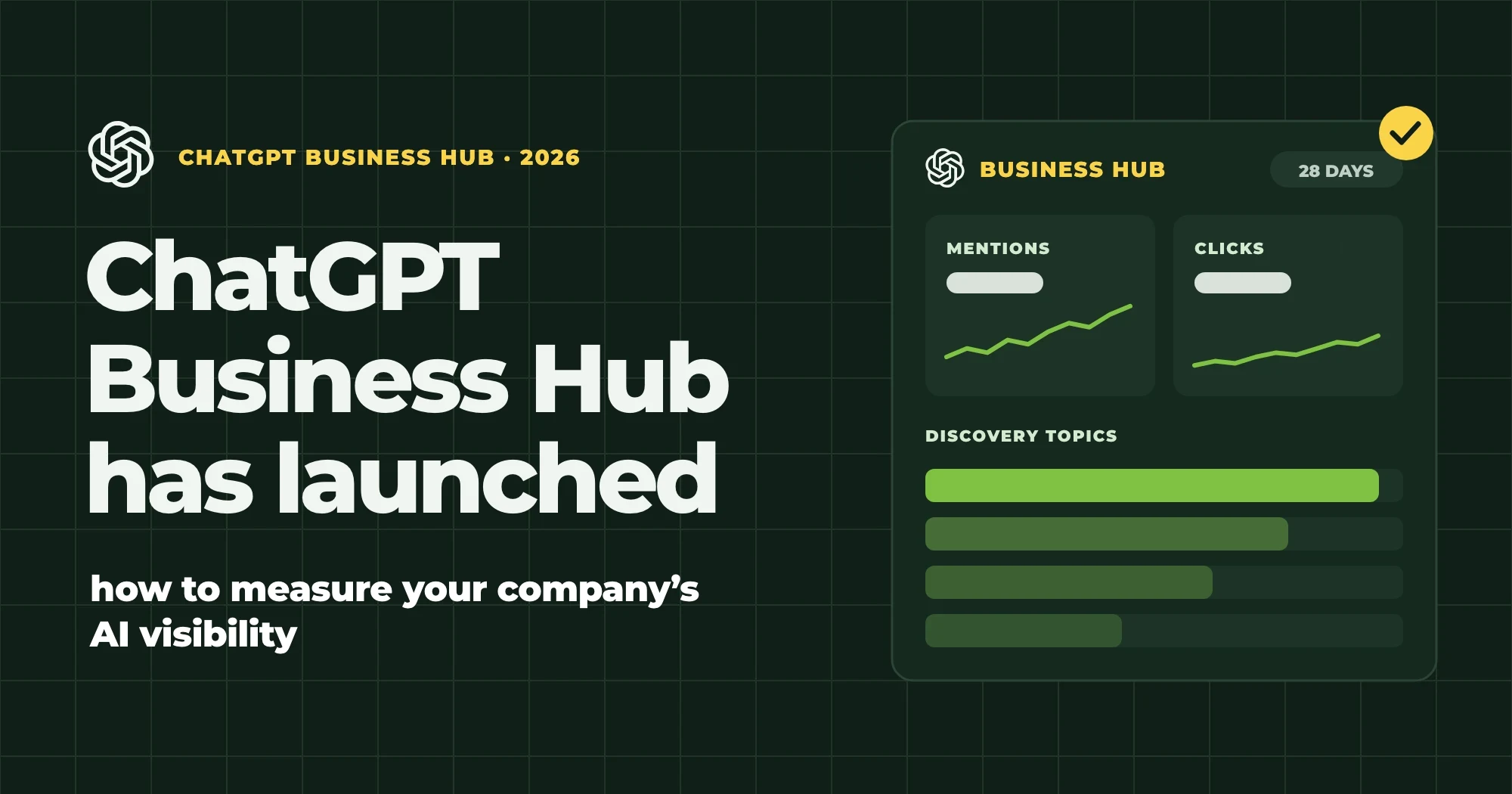
The stats come in 7-day and 28-day views, with three metrics:
- Mentions. For an online business, it only counts as a mention if ChatGPT links to the business's website; the brand name simply coming up isn't enough. For a local business, it already counts as a mention if ChatGPT shows the business, even if the user doesn't open its listing.
- Clicks. How many times users clicked through from ChatGPT's answers to your website. As the interface itself explains, a recorded click doesn't confirm that the visit, or a conversion, actually happened.
- Discovery topics. The topics of the answers your business appeared in, grouped into topic clusters.
The 28-day view shows how visible you were over the past four weeks. If you save the data every month, you'll see the trend as well. OpenAI doesn't share individual conversations or prompts. Data only appears above a certain threshold, so an empty field doesn't necessarily mean zero, according to the help article. A screenshot in OpenAI's announcement also shows a fourth metric, profile views, but so far it has only appeared in some live accounts, and it's not yet clear what decides this.
The help article also makes it clear that claiming your profile doesn't guarantee visibility, and doesn't directly affect what ChatGPT recommends on its own.
Can a Hungarian business claim a profile?
According to OpenAI, any eligible business can claim its profile if it operates in a country where ChatGPT is available and the relevant verification method works there. Exact availability depends on where the business is based and what type of business it is. One restriction is already confirmed: for now, local shops and restaurants can only claim an existing US listing. OpenAI plans to extend the programme to more markets and business categories, but hasn't given a date. If you run an online store or an online service in Hungary, it's worth trying to claim your profile now; local businesses will have to wait a little longer.
How can you measure AI visibility today?
No single tool gives you the full picture yet. AI search now happens in many places: besides ChatGPT, there are Google's AI Overviews and AI Mode, Claude, Gemini, Copilot and Perplexity, and each of them is covered by a different tool (if at all). By our own measurement, AI Overviews already appear on mobile for 72% of the Hungarian keywords we studied.
1. ChatGPT Business Hub. The only source that shows mentions, clicks and topics based on ChatGPT's own data.
2. Google Search Console. It has a separate report for AI Overviews and AI Mode, but it only shows impressions. It doesn't give a separate AI click count, and Gary Illyes of Google's Search team wrote in early November that there is nothing to announce on this for now.
3. Bing Webmaster Tools. In February 2026, Microsoft launched its AI Performance report as a public preview. It shows how often Copilot and Bing's AI summaries cited your pages, and which queries led the AI to them. It doesn't give a separate AI click count either.
4. GA4. ChatGPT usually adds the utm_source=chatgpt.com parameter to its source links, while Perplexity and Gemini show up as referrers (perplexity.ai, gemini.google.com). With a custom channel group, you can collect these into a single “AI” channel. It's one of the first things worth doing when you set up your web analytics. The number you get is a lower bound: if an app doesn't pass on the referrer and the link carries no parameter, the visit shows up as direct traffic. Compare Business Hub's click count with this figure, because GA4 is what tells you whether the visitor actually arrived.
5. Server logs. According to OpenAI's documentation, OAI-SearchBot crawls pages for ChatGPT's search feature, while ChatGPT-User shows up in your logs when ChatGPT opens a page live in response to a user's question. ChatGPT-User visits tell you which of your pages it reads, even if the user never clicks through. If OAI-SearchBot is missing from your logs, first check that your robots.txt isn't blocking it.
6. Prompt tracking tools. These run a chosen set of questions regularly across several AI chatbots and show whether your brand appears, which competitors show up alongside you, and which sources the model draws on. They work from samples, so their numbers are estimates. But this is the only place you'll see the answers to specific questions; Business Hub doesn't show them.
What actually grows your visibility?
Some customer questions are no longer asked on Google, but in AI chatbots. And whether ChatGPT recommends your business still comes down to how you show up across the web. When it searches, ChatGPT often breaks a question down into several sub-questions (this is called query fan-out) and looks for separate sources for each one. If you don't appear in the results for those sub-questions, the description you added in Business Hub probably won't get you into the answer.
It's a similar story with Google's AI Overviews. When we analysed the results pages for 1,000 Hungarian keywords, 93% of the Overviews cited at least one site that also ranked in the top ten classic results.
In the run-up to a purchase, the pages most likely to make it into the answer are the ones that clearly answer customers' typical questions: how much the product costs, which option to choose (“X or Y?”), what can replace a competitor's product, and what its downsides are. What others say about you matters just as much. In our experience, ChatGPT is keen to cite review sites, forums and industry articles.
In short
On 10 November, OpenAI launched Business Hub in beta. Businesses can claim their profile there and, for the first time, get data from ChatGPT on their mentions and clicks. Claiming your profile doesn't directly influence what ChatGPT recommends, but the Hub's data rounds out your measurement when you look at it alongside Search Console, Bing Webmaster Tools, GA4, your server logs and prompt tracking.
Want to know how visible your business is right now in ChatGPT and in Google's AI Overviews? Take a look at our AI SEO service.